
How to Auto-Reload Pages in Safari (Mac, iPhone, and iPad)
Safari doesn’t have a built-in auto refresh feature, which is surprising given how often you end up hitting Command + R over and over again.
- Watching stock or crypto price dashboards
- Testing local development changes
- Waiting on sneaker or ticket drops
- Refreshing sports scores during a game
Eventually you ask yourself why you're manually doing this.
Since Safari doesn’t offer a native way to reload a page every X seconds, automatic refresh on macOS, iOS, or iPadOS requires a Safari extension - and this post walks through how to set that up and get pages auto-reloading properly.
The Cleanest Way to Auto-Reload Safari Pages
I built a small Safari extension called Auto Reloader – Page Refresh that does exactly this.
 Aryaman Sharda
It works across:
- macOS
- iOS
- iPadOS
Same extension. Same behavior. Just installed once per device.
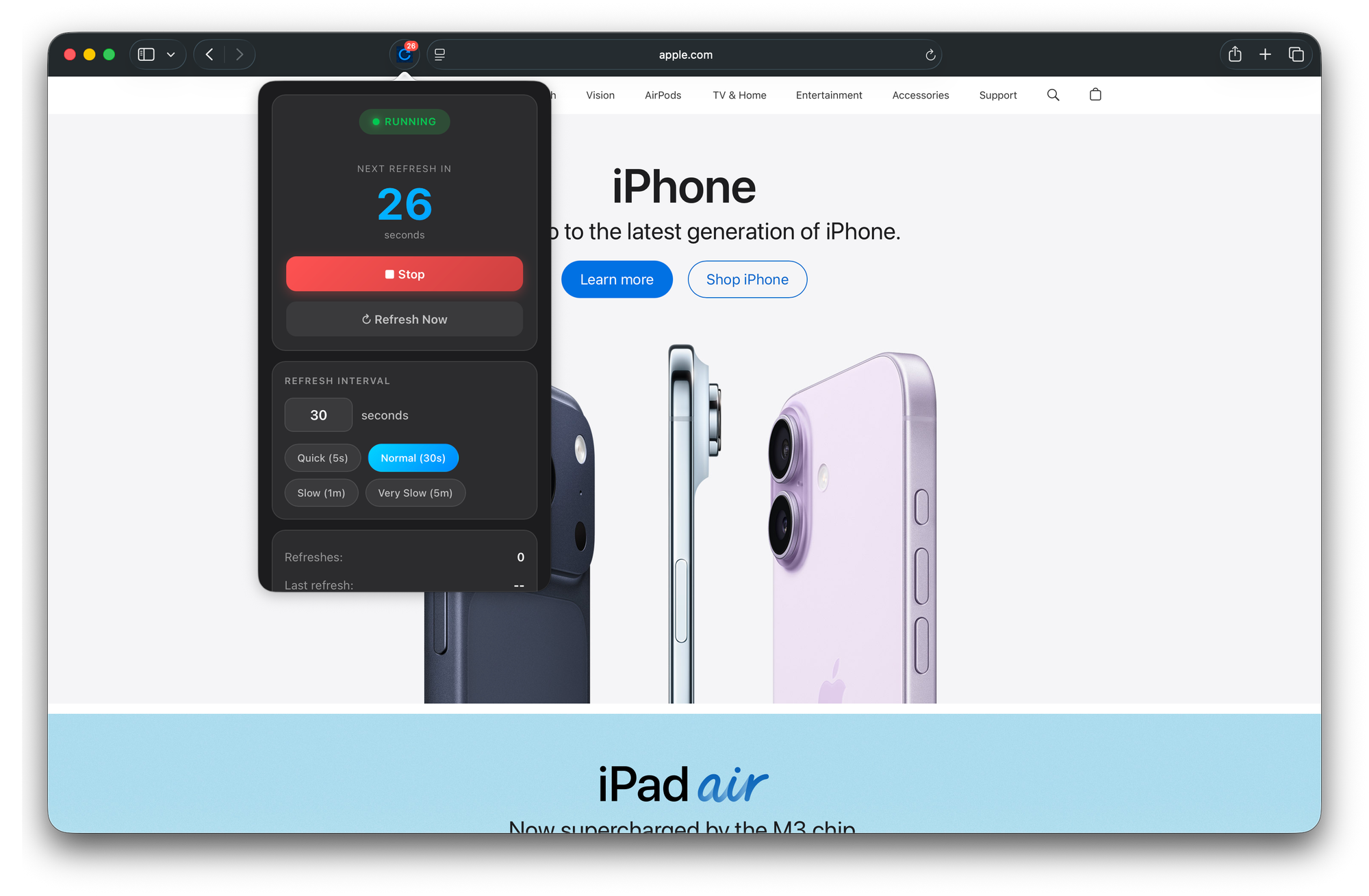
How to Auto-Reload a Page in Safari
- Install the app from the App Store.
- Open Safari.
- Go to Settings → Extensions and enable Auto Reloader.
- Click the extension in the toolbar.
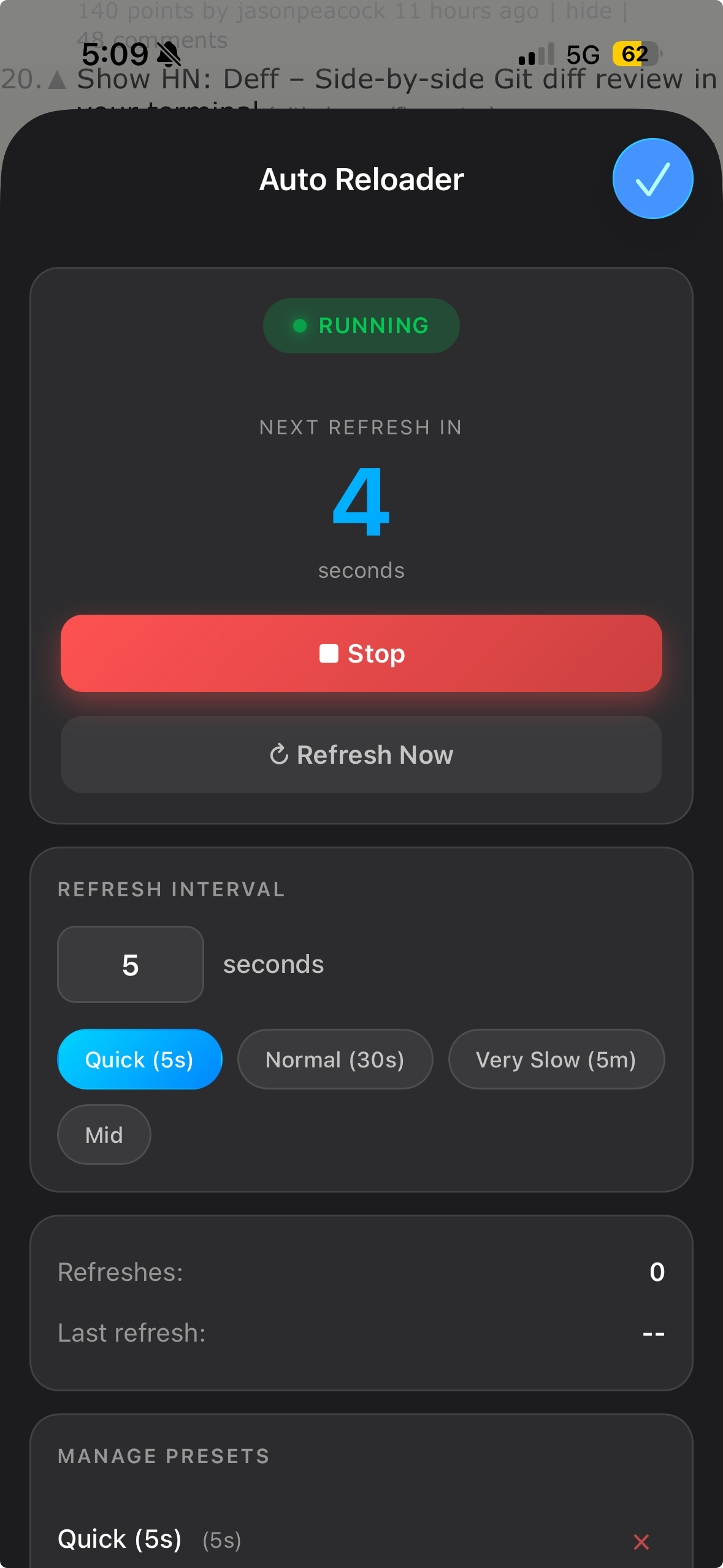
- Set a refresh interval.
That’s it.
The current tab will reload automatically at your chosen interval.
Who Actually Needs Safari Auto Refresh?
This isn’t a novelty feature. It’s for moments where you’re stuck manually refreshing the same page over and over.
Traders Watching Live Dashboards
Some market pages don’t push updates in real time.
Order books lag. Portfolio pages cache. Charts stall.
So what do you do? You sit there hitting refresh.
Auto Reload keeps the page current without you babysitting it.
Developers Testing Local Changes
If you’re working on:
localhost- staging builds
- CSS/layout tweaks
- dashboards that poll instead of push
Sneaker and Ticket Drop Monitoring
Limited drops usually come down to timing.
If a product page does not automatically update inventory or release status, refreshing every few seconds can matter.
Automating that refresh removes one more manual step.
Sports Score Refresh During Games
Some sports sites do not live update without interaction. If you're watching a score page during a game, automatic refresh keeps it current without touching the screen.
Why Use Safari Instead of Switching Browsers?
You could install a Chrome extension, but if you prefer Safari for:
- Native performance
- Lower battery usage
- iCloud tab sync
- Apple ecosystem integration
It makes more sense to add auto refresh directly to Safari rather than switching browsers just for one feature.
Common Questions
Can I set different refresh intervals?
Yes. You can choose a custom interval for the current tab. For example, you might refresh every 5 seconds for a live dashboard and every 60 seconds for something less time-sensitive.
Does it work per tab?
Yes. The refresh setting applies to the specific tab where you enable it. Other tabs remain unaffected unless you turn it on there as well.
Does it stop when I close the tab?
Yes. Once the tab is closed, refresh stops automatically.
Is my data tracked?
No. The extension does not require accounts, logins, or analytics. It runs locally within Safari.
Does it work on any website?
It works on standard web pages loaded inside Safari. Most dashboards, storefronts, news pages, sports pages, and development environments work as expected.
Will this drain battery?
Because it runs as a lightweight Safari extension and only reloads at the interval you choose, usage depends on how aggressive your refresh timing is. Longer intervals naturally use less battery and network activity.
If you find yourself refreshing the same page more than a few times in a row, that’s usually a sign.
Safari won’t automate it for you.
Auto Reloader will.
Set the interval once. Let it run. Move on.
👉 Download Auto Reloader on the App Store
Aryaman Sharda